
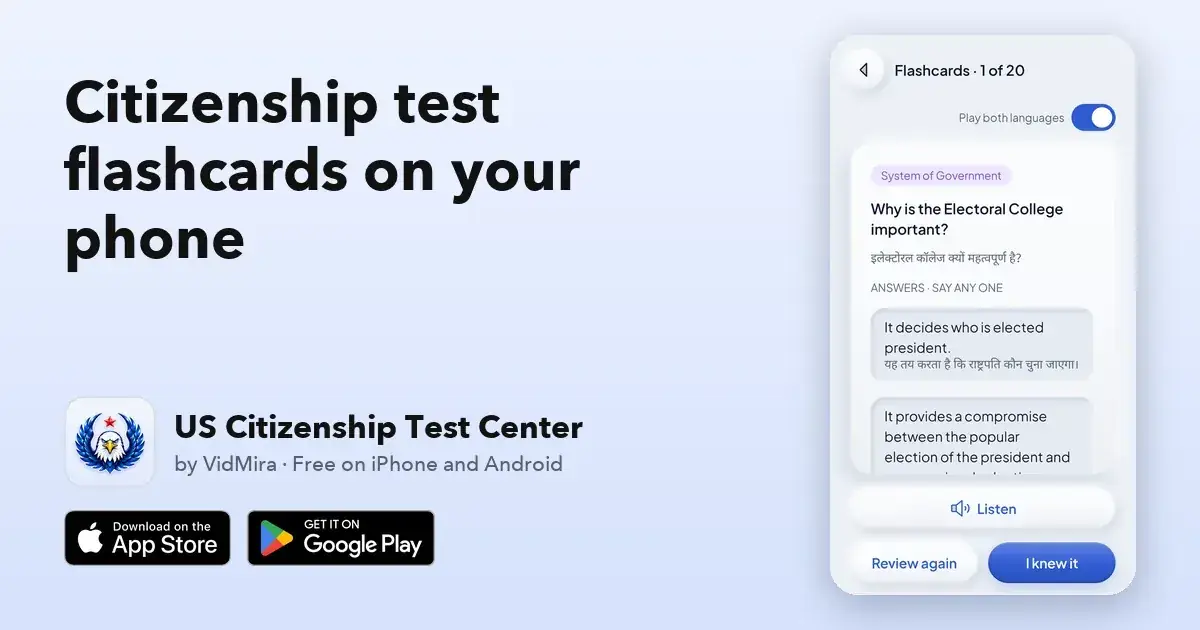
Flashcards are one of the fastest ways to learn the US citizenship test questions: see the question, think of the answer, flip the card and check. US Citizenship Test Center turns all 128 civics questions into flashcards on your phone, with the official answers on the back and a button to hear each card read aloud.
At VidMira we build apps that make everyday things easier, and we built US Citizenship Test Center so you can study a few cards anywhere, in a spare minute.
Study with flashcards in 3 steps
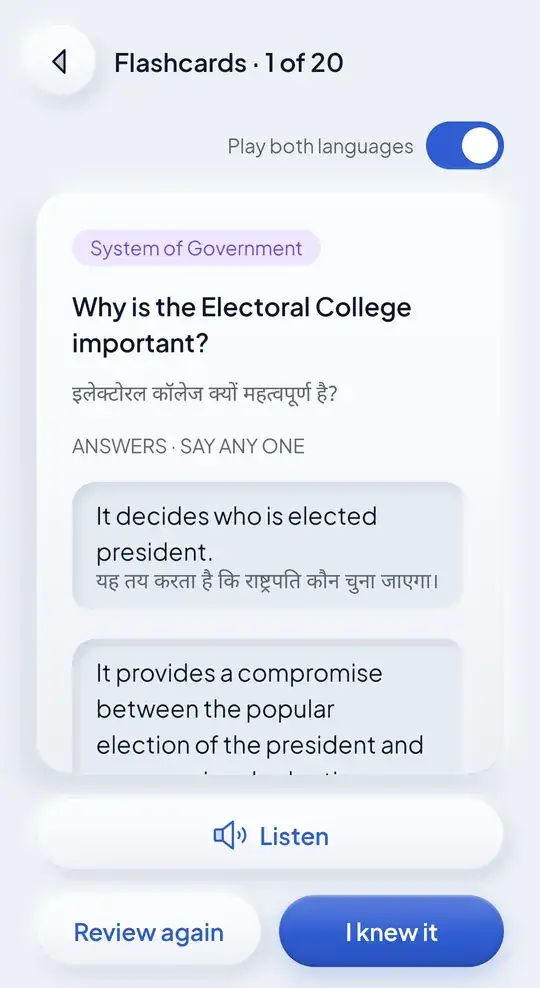
- Open US Citizenship Test Center and tap Flashcards on the home screen.
- Read the question and say your answer out loud. Then flip the card to see every accepted answer.
- Tap I knew it if you got it, or Review again to see it again soon.
Cards that learn with you
Each session is 20 cards you have not mastered yet, so you never waste time on questions you already know. I knew it marks a question as mastered; at the end of the session you can go through your Review again cards once more. Tap Listen to hear the question and answers, which helps for an interview where the officer asks out loud.
Flashcards in your language
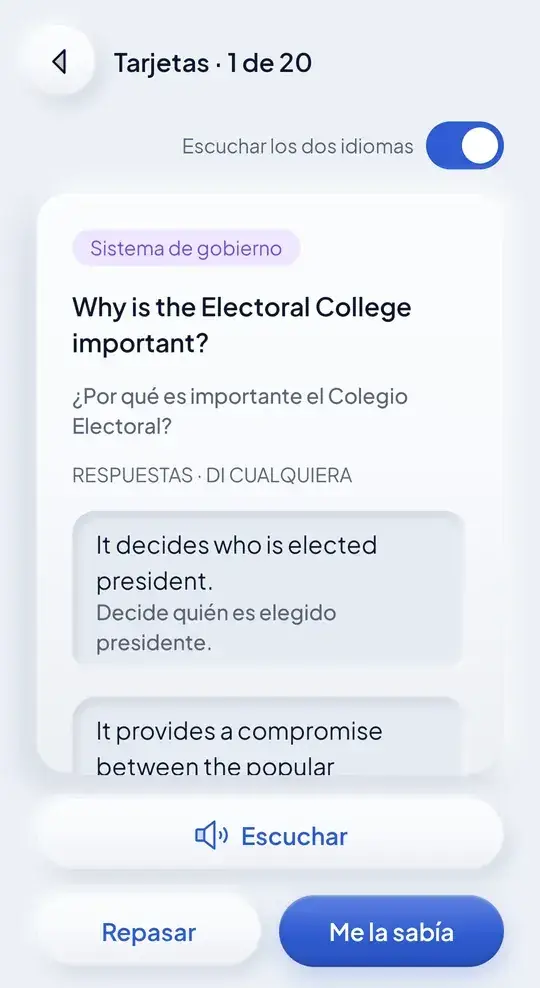
Add a help language in Settings and each card shows Spanish, Hindi or Gujarati under the English. Turn on Play both languages to hear the card in English and in your language.
Why people choose US Citizenship Test Center
We think it is the easiest way to study with citizenship test flashcards, and here is why:
- All 128 questions as cards. Every accepted answer from the USCIS list on the back.
- Only cards you don't know yet. Each session picks 20 questions you have not mastered.
- Listen to every card. Learn the questions by ear, the way they are asked.
- Help in your language. Spanish, Hindi or Gujarati under the English.
- Nothing to print. Your cards are on your phone, wherever you are.
- More ways to practice. A practice quiz and a mock interview by voice when you are ready.
Get US Citizenship Test Center
US Citizenship Test Center is free on the App Store for iPhone and iPad and on Google Play for Android: no subscription and no in-app purchases. On your phone, vidmira.com/get/us opens the right store.
More ways to study: how to study all 128 questions and the mock citizenship interview.
Common questions
Are there official citizenship test flashcards?
Yes. USCIS lists free flash cards among its study materials on Study for the test. US Citizenship Test Center puts the same 128 questions on cards in an app.
How many flashcards are there?
One for each of the 128 questions of the 2025 civics test. Each session shows 20 you have not mastered yet.
Can I print the flashcards?
The app's cards are on your phone. If you prefer paper, the USCIS list of 128 questions is a free PDF you can print.
Do flashcards work for the 2008 test?
No. The app covers the 2025 civics test, for applications filed on or after October 20, 2025.
Checked against uscis.gov on November 20, 2026. Rules can change, and the USCIS pages always win. US Citizenship Test Center is an independent study app by VidMira.



Related guides
US citizenship test: how to prepare for the 2025 civics exam
US citizenship test study plan for 2026: the 2025 USCIS civics test has 128 questions, 20 asked, 12 to pass. What to learn first and how to practice aloud.
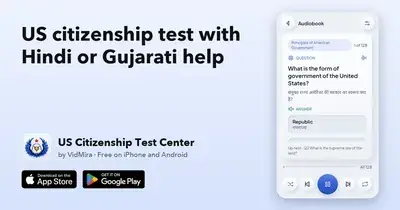
Study the US citizenship test with Hindi or Gujarati help
Study the 128 US citizenship test questions in English with Hindi or Gujarati under each one, and hear both read aloud, on iPhone and Android.
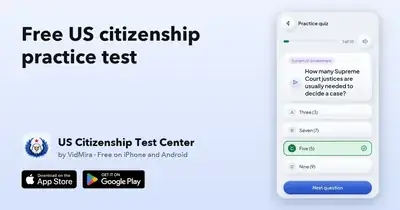
Free US citizenship practice test
A free US citizenship practice test: 10 questions from the 2025 civics test with instant feedback, then a mock interview by voice when you are ready.
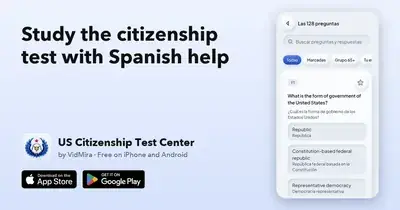
Study the citizenship test with Spanish help
Study the 128 US citizenship test questions in English with Spanish under each one, and hear both read aloud. Who may take the civics test in Spanish.
All US citizenship test guides →
Latest posts
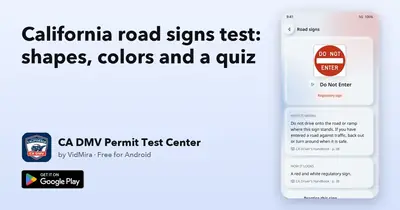
California road signs test: shapes, colors and a quiz
California road signs test: what sign shapes and colors mean, from the Driver's Handbook, plus a road signs quiz. Practice in CA DMV Permit Test Center.
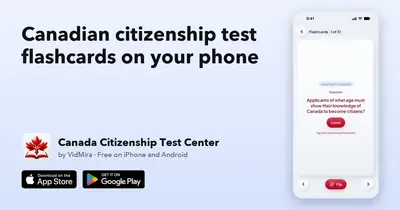
Canadian citizenship test flashcards on your phone
Canadian citizenship test flashcards: flip, hear the answer, mark "I knew it" or review it again. Free in Canada Citizenship Test Center for iPhone and Android.
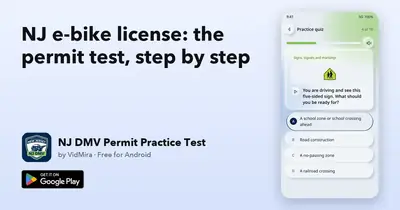
NJ e-bike and moped license: the permit test under the 2026 rules
NJ e-bike license under the 2026 rules: age 15, a permit, knowledge and vision tests, a road test. Practice e-bike quizzes in NJ DMV Permit Practice Test.
VidMira LLC is not affiliated with U.S. Citizenship and Immigration Services (USCIS) or any government agency.