
 VidMira LLC
Status Saver: Image and Video
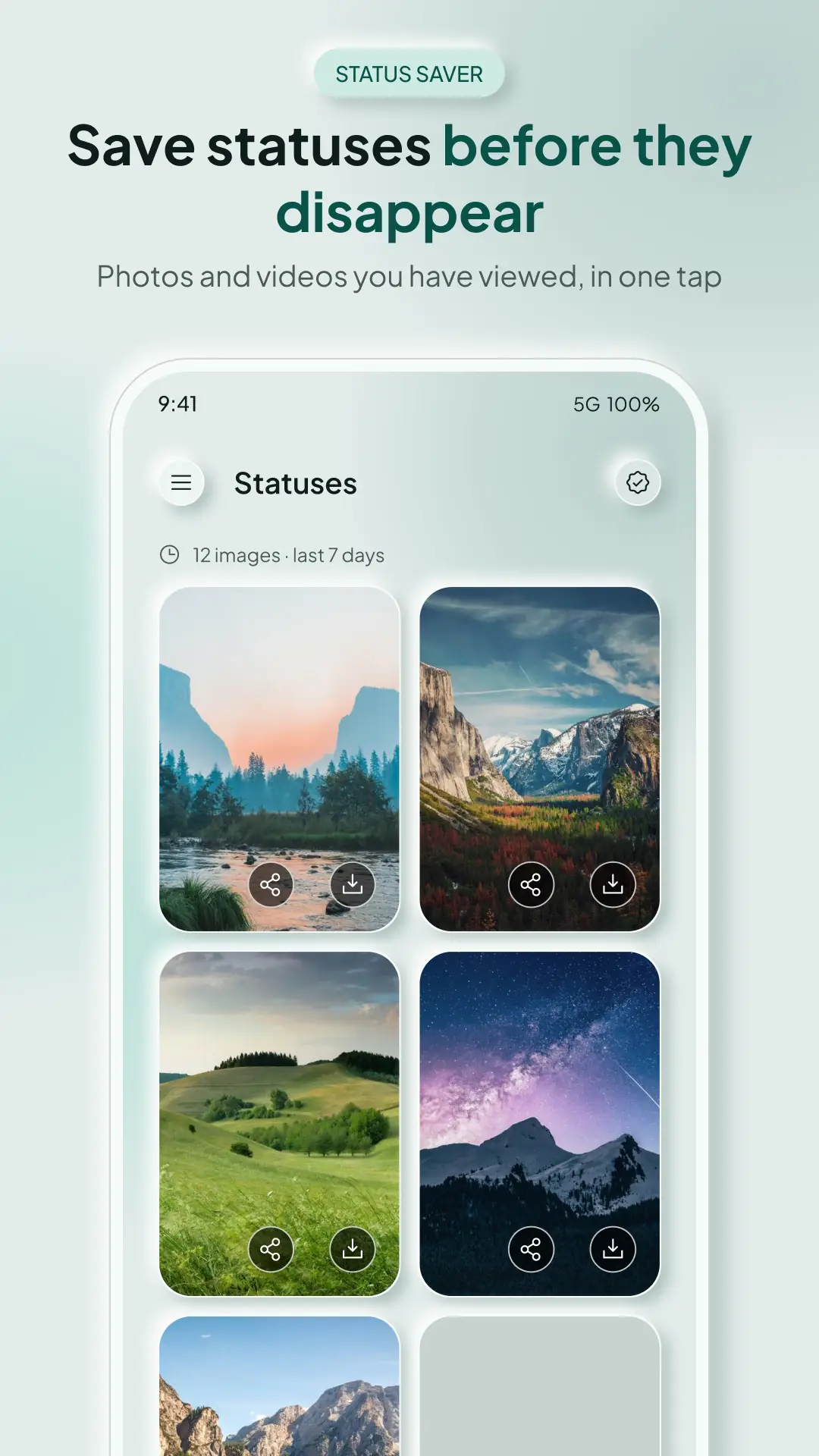
Save status videos and photos before they disappear: download what you have viewed, keep it in your gallery and share it in one tap.

What is in the app
- Works with statuses from WhatsApp and WhatsApp Business
- Save short video statuses and photos to your phone with one tap
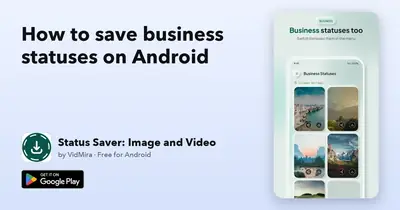
- Business status saver: works with business accounts too
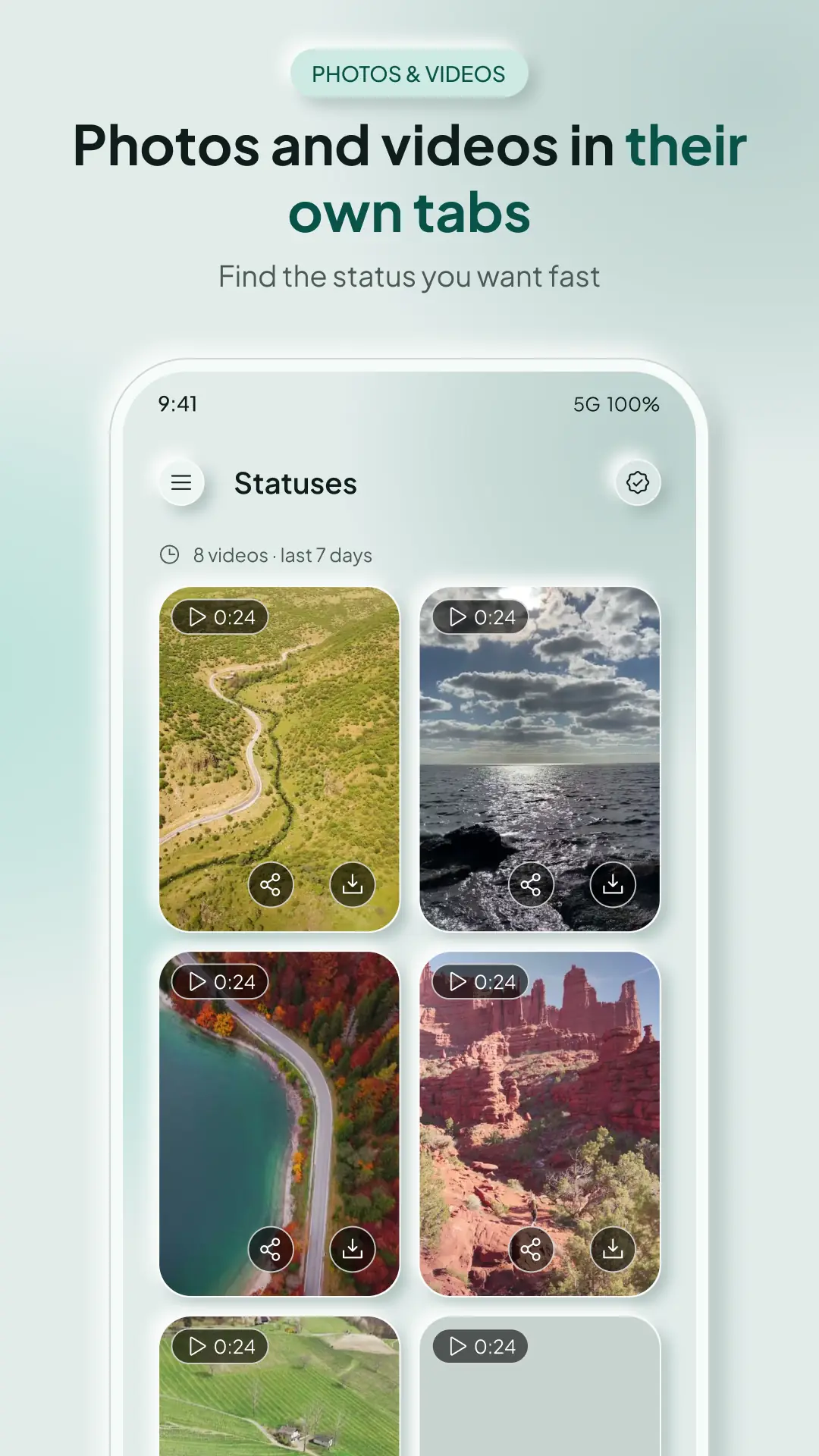
- Images and videos in separate tabs, so you find what you want fast
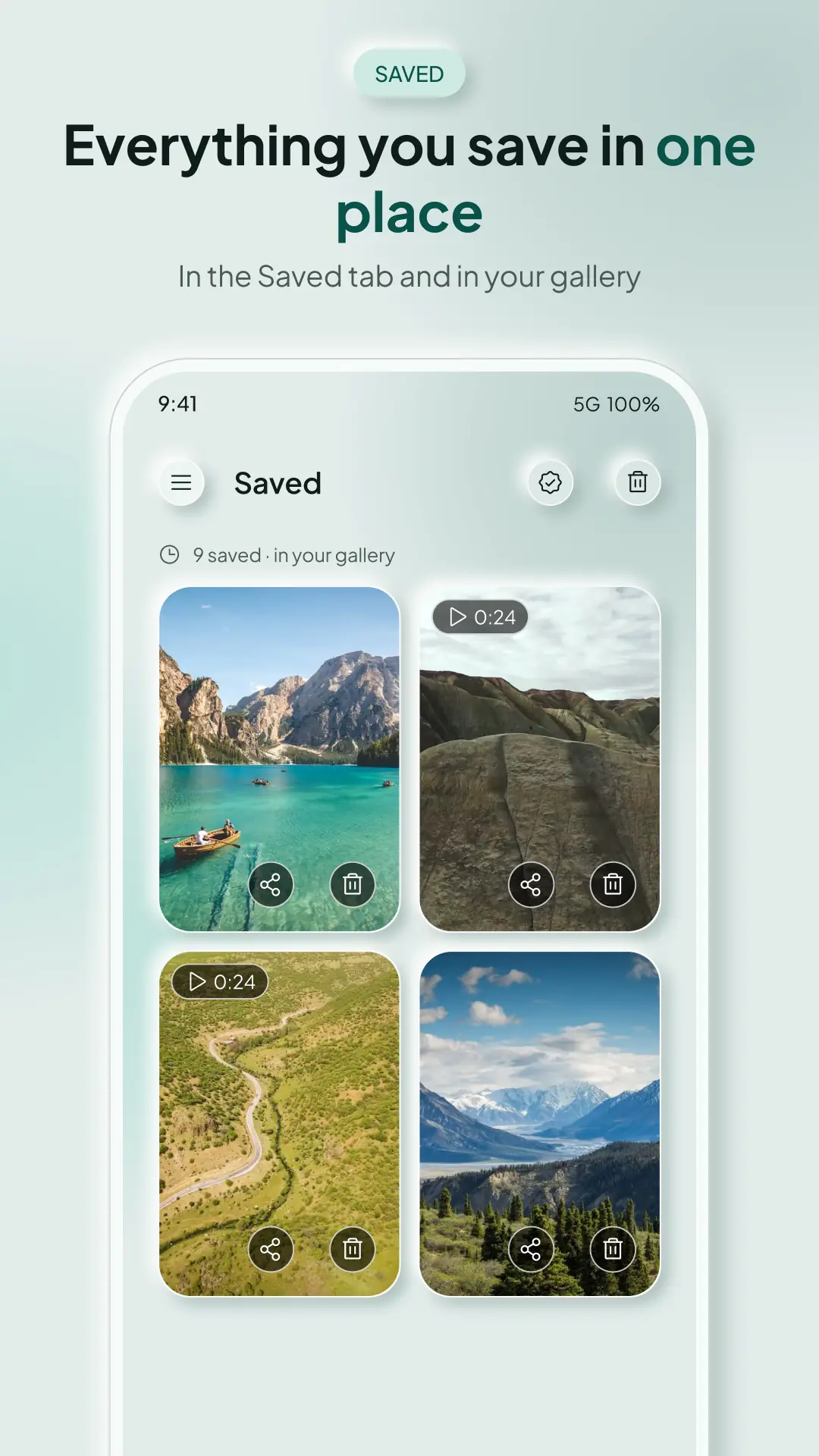
- Everything you download appears in the Saved tab and in your phone's gallery
- Full screen viewer: swipe to the next or previous one, and share any status straight to friends or social media
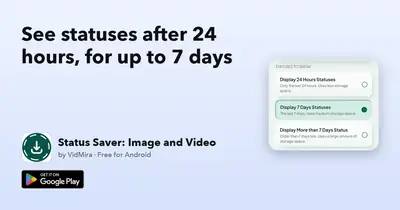
- Choose how far back to look: the last 24 hours, the last 7 days, or everything still on your phone
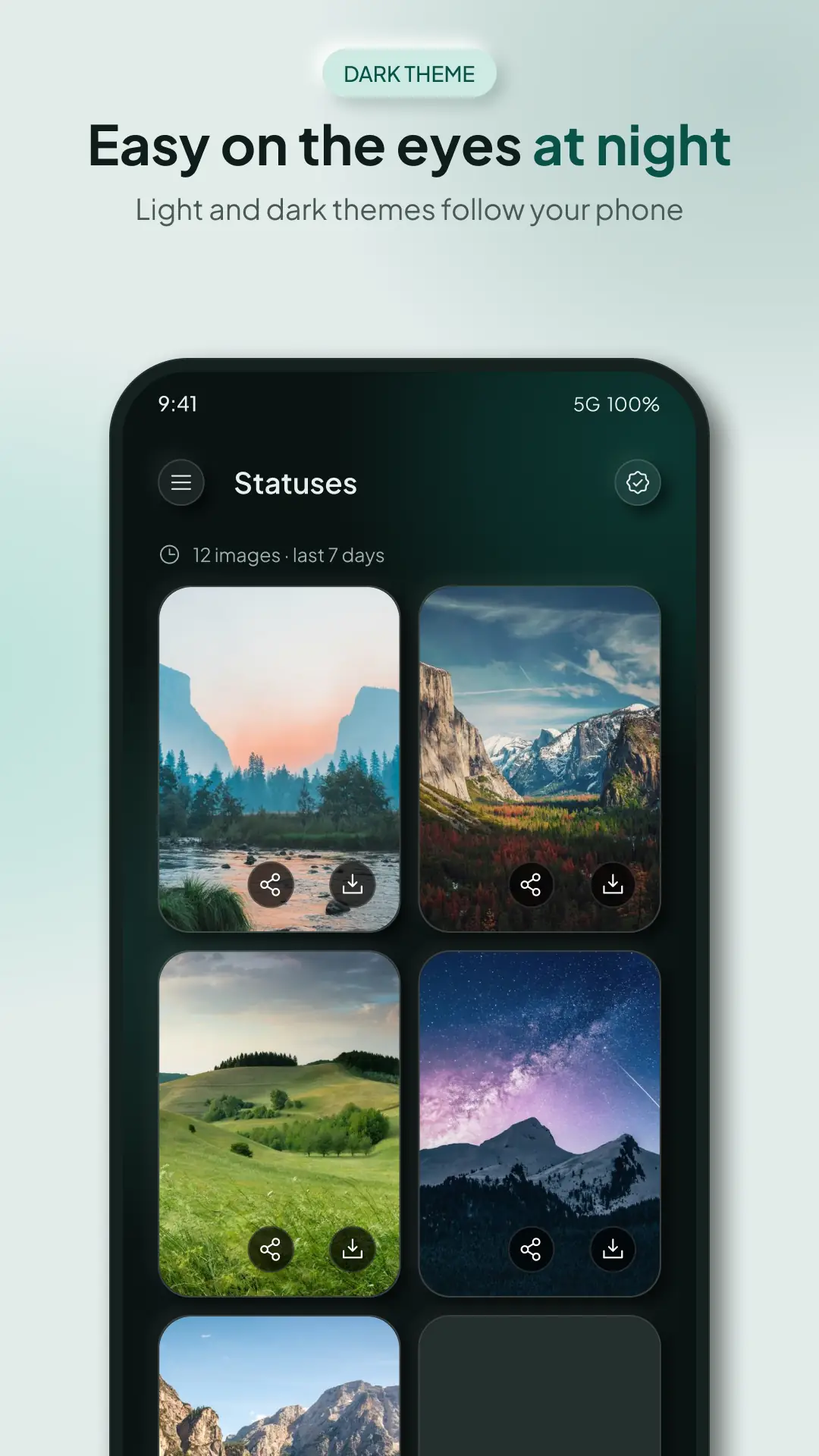
- Light and dark themes that follow your phone
- Made for tablets and foldables: your statuses and the full view side by side
- Available in 34 languages
Free to use and supported by advertising; an optional subscription turns the ads off. Everything you save stays on your phone: VidMira never uploads your videos or photos.
Use it without ads
7-day free trial on the yearly plan- Optional subscription: $1.99 a month or $14.99 a year in the US, lower in many countries, with a 7-day free trial on the yearly plan
- It covers every phone signed in to the same Google account
- Manage or cancel it any time in Google Play
Screenshots
How to save a status
- Open your messaging app and view the status you want to keep
- Open Status Saver
- Tap the download icon
- Find it in the Saved tab or your gallery
For business accounts, choose "Business Statuses" from the menu and follow the same steps.
Frequently asked questions
Why do I need to view a status first?
Your phone only downloads a status once you view it. Status Saver can save anything your phone has already downloaded.
Where are my saved videos and photos?
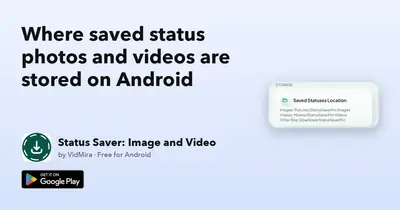
In the Saved tab inside the app, and in your phone's gallery, in the Status Saver folders.
Why does the app ask for folder access?
To read the status folder on your phone so it can show and save what you have viewed. Nothing is uploaded.
Can I download business statuses?
Yes. Open the menu and choose "Business Statuses".
Guides
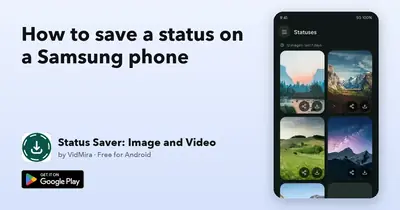
How to save a status on a Samsung phone
Save a status on a Samsung Galaxy phone with Status Saver: one tap to your Gallery, on Galaxy phones, tablets and foldables. Free on Google Play.
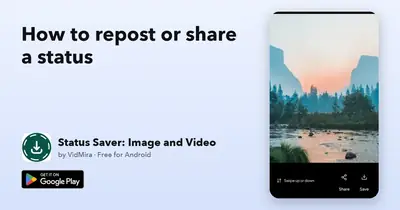
How to repost or share a status
Repost or share a status on Android in one tap with Status Saver: send it to a chat, post it to your own status or share it to any app, in original quality.
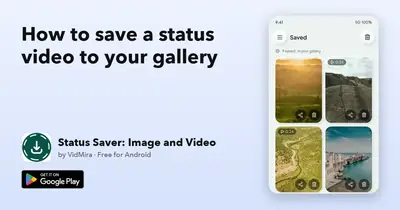
How to save a status video to your gallery
Save a status video to your gallery on Android in one tap with Status Saver: original quality with sound, in your gallery and the app's Saved tab.
See statuses after 24 hours, for up to 7 days
See statuses after 24 hours with Status Saver: the photo and video statuses you viewed stay for up to 7 days, ready to watch again, save or share.
How to save business statuses on Android
Save business account statuses on Android in one tap with Status Saver: photos and videos straight to your gallery, one app for both of your accounts.
Where saved status photos and videos are stored on Android
Where saved status photos and videos are stored on Android, how to find them in your gallery or file manager and how to back them up.
Get the free app
Status Saver: Image and Video