
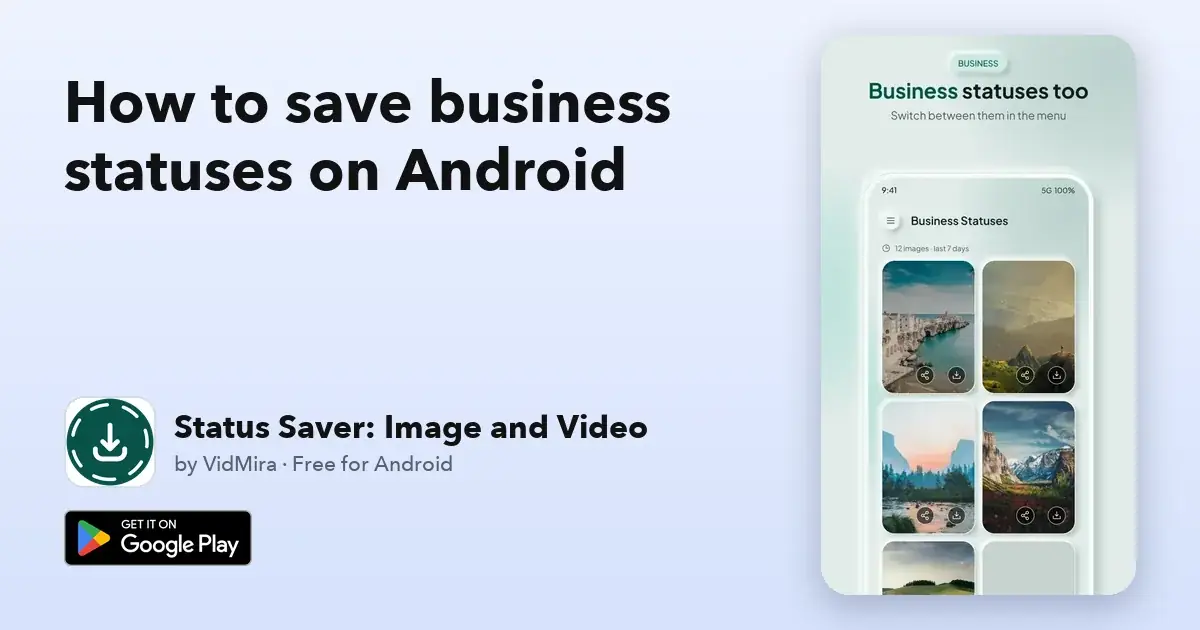
Saw a product photo, an offer or a video on a WhatsApp Business status and want to keep it? With Status Saver: Image and Video you save it to your gallery in one tap, from the same app you use for your regular statuses.
At VidMira we build apps that make everyday things easier, and we built Status Saver: Image and Video to be the easiest way to save a status on Android.
Save a business status in 3 steps
- Open WhatsApp Business and view the status you want to keep.
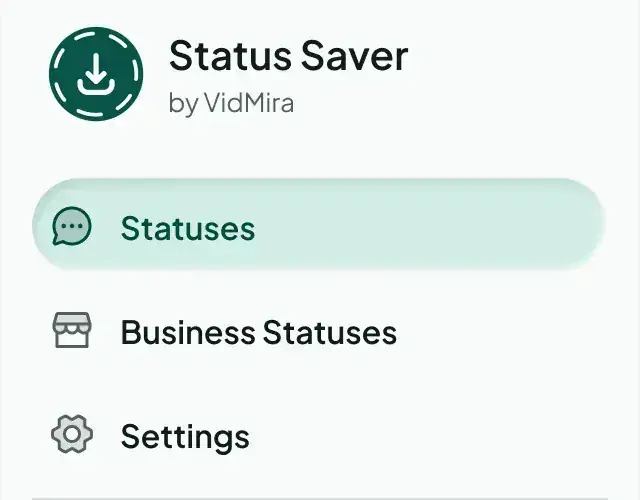
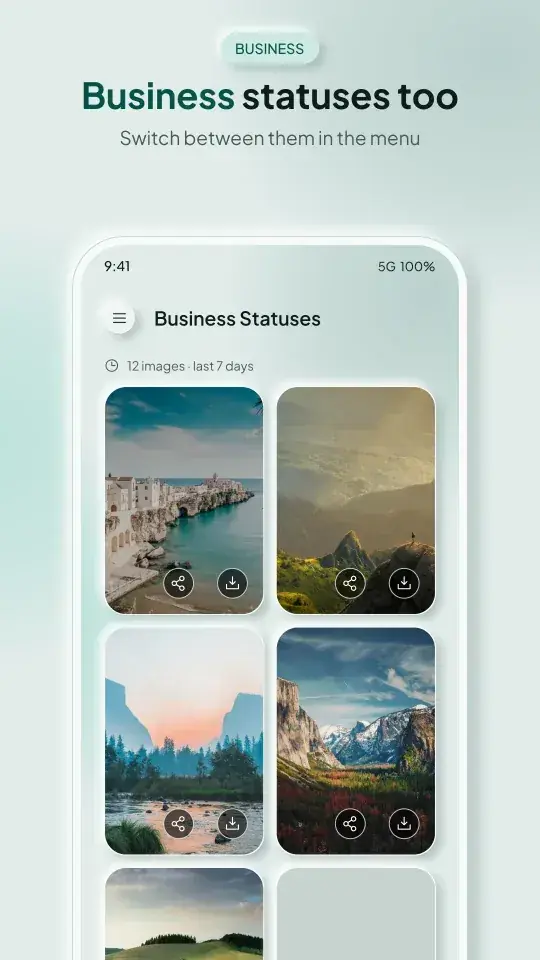
- Open Status Saver, tap the menu and choose Business Statuses.
- Tap the download button on the photo or video. Done: it is in your gallery.
The first time, Status Saver shows you how to give it access to your Business statuses. It takes a few seconds and you only do it once.
One app for both accounts
Use WhatsApp and WhatsApp Business on the same phone? You do not need two apps. Status Saver shows your regular statuses and your Business statuses, and you switch between them from the menu in one tap.
Why people choose Status Saver: Image and Video
We think it is the best way to save statuses on Android, and here is why:
- One tap to save. Photos and videos go straight to your gallery and the Saved tab.
- Photos and videos in their own tabs. Find the status you want in seconds.
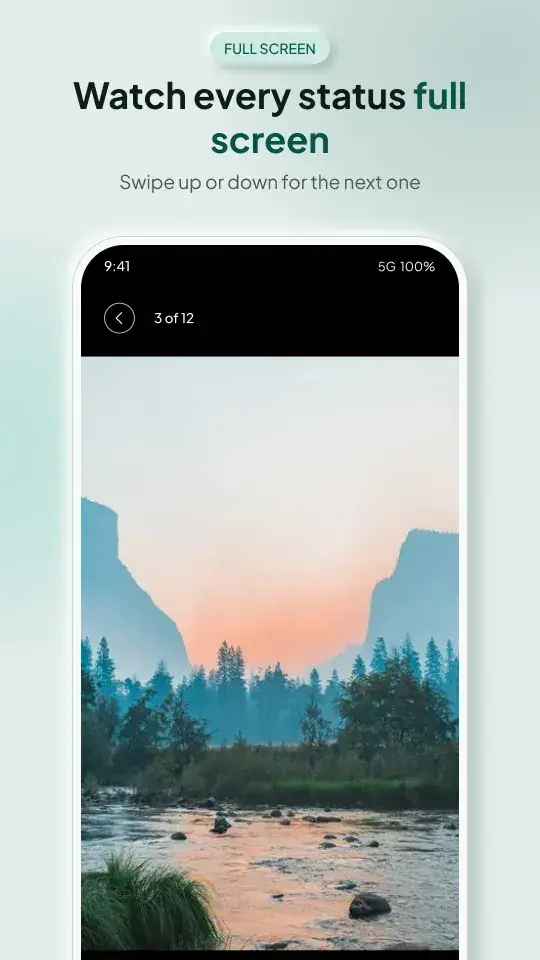
- Full screen, endless swiping. Watch statuses full screen, swipe to the next one and keep going. Videos play on repeat.
- Share in one tap. Send any status to friends, customers or other apps straight from the viewer.
- Up to 7 days of statuses. Choose to see statuses from the last 24 hours or the last 7 days, even after they have left WhatsApp.
- Private by design. Your photos and videos stay on your phone; nothing is uploaded.
- No ad after every tap. Save status after status without interruptions, or turn every ad off with Ad-free.
- Made for every screen. Phones, tablets and foldables, light and dark theme, in 34 languages.
What many status savers miss
A common complaint about status saver apps is simple: they show nothing, or only regular statuses. Status Saver is built for today's Android phones and for both WhatsApp and WhatsApp Business, so the statuses you viewed are there when you open it.
Find your saved Business statuses
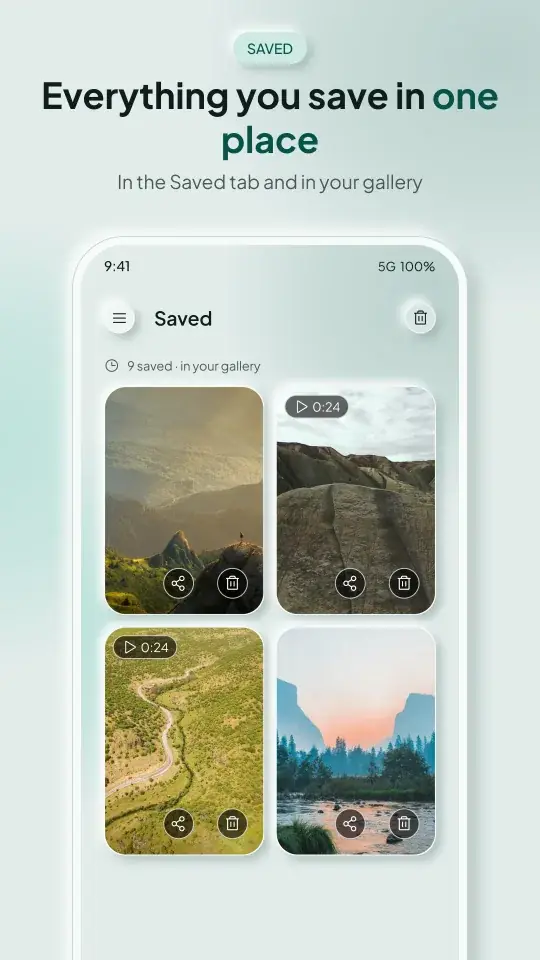
Everything you save is in the Saved tab and in your phone's gallery, next to your other photos and videos. From there you can share it, back it up or post it to your own status.
Get Status Saver
Status Saver: Image and Video is free on Google Play for Android phones and tablets. Ad-free removes every ad, monthly or yearly, with a 7-day free trial on the yearly plan, and one subscription covers every phone on your Google account. On your phone, vidmira.com/get/status-saver opens it in Google Play.
New to saving statuses? Read how to save status videos and photos on Android.
Common questions
Can I save Business statuses and regular statuses in the same app?
Yes. Status Saver handles both; switch between them from the menu.
Do I need to view the status first?
Yes. Open it in WhatsApp Business first; then it appears in Status Saver, ready to save. Statuses disappear from WhatsApp after 24 hours (WhatsApp Help Center), so save the ones you want to keep.
Does the person know I saved their status?
No. Saving keeps a copy on your phone and does not send them anything.
Is Status Saver free?
Yes, it is free. Ad-free is optional and turns every ad off.
Status Saver by VidMira is an independent app. It is not affiliated with, endorsed by or sponsored by WhatsApp or Meta. WhatsApp is a trademark of WhatsApp LLC. Please respect other people's privacy and only save and share content you have permission to use.