
How to save status videos and photos on Android
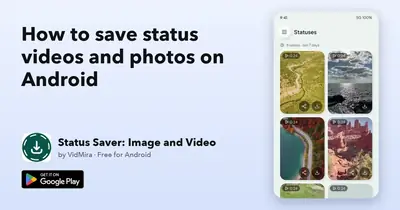
How to save status videos and photos on Android before they disappear after a day: the steps, where the files go and how to do it respectfully.
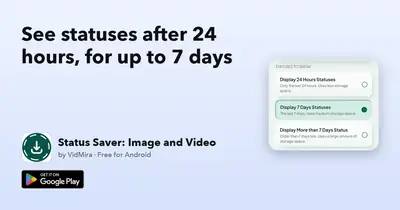
See statuses after 24 hours, for up to 7 days
See statuses after 24 hours with Status Saver: the photo and video statuses you viewed stay for up to 7 days, ready to watch again, save or share.
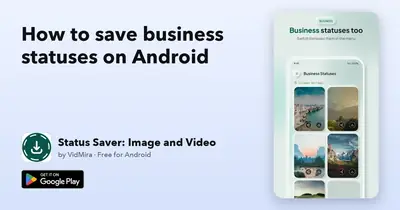
How to save business statuses on Android
Save business account statuses on Android in one tap with Status Saver: photos and videos straight to your gallery, one app for both of your accounts.
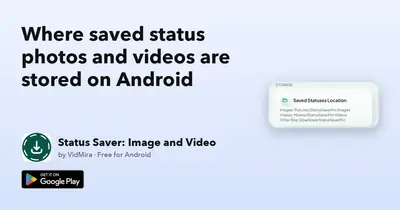
Where saved status photos and videos are stored on Android
Where saved status photos and videos are stored on Android, how to find them in your gallery or file manager and how to back them up.