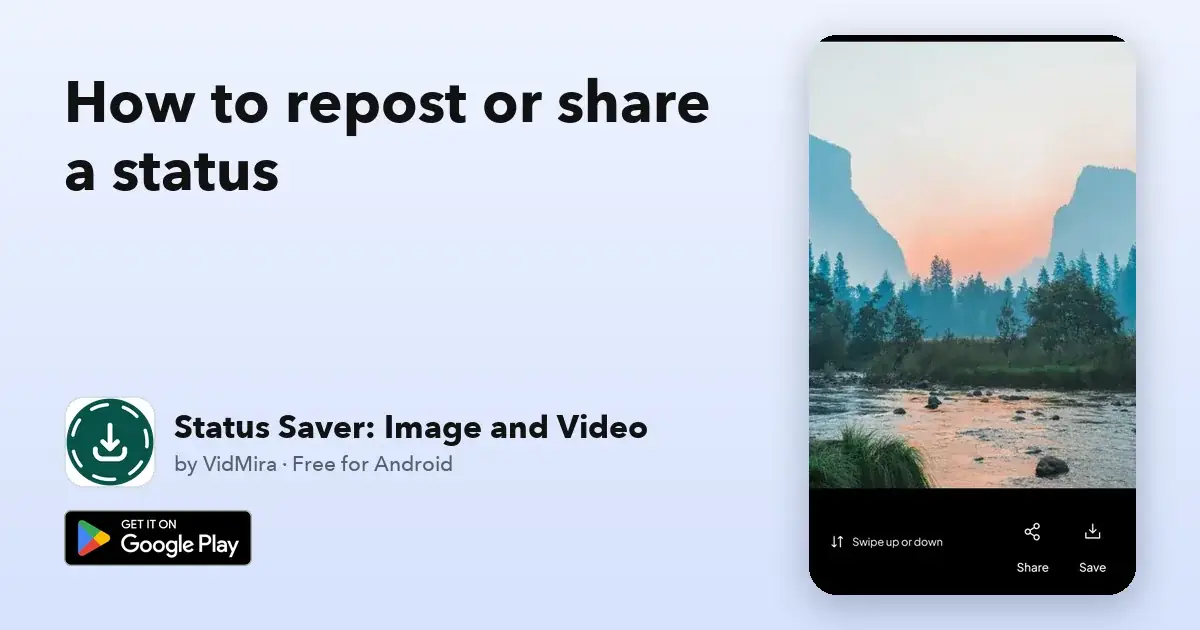
To repost or share a status on Android, open it in Status Saver: Image and Video and tap Share. Your phone's share menu opens, so you can send it to a friend, post it to your own status or share it to any other app, in one tap.
At VidMira we build apps that make everyday things easier, and we built Status Saver: Image and Video so passing on a status you love is as quick as watching it.
Share or repost a status in 3 steps
- View the status in WhatsApp.
- Open Status Saver and tap the photo or video to open it full screen.
- Tap Share and pick where it goes: a chat, your own status, or another app.
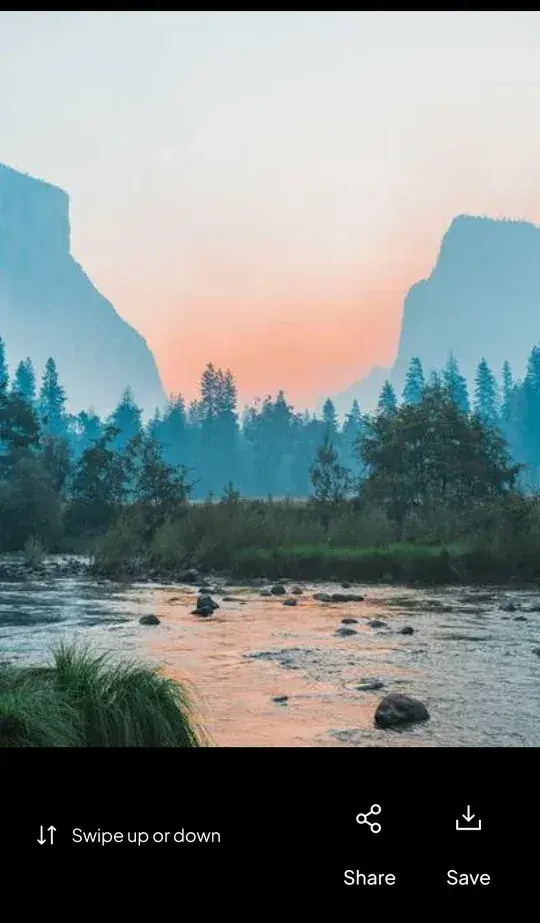
To post it to your own status, choose WhatsApp in the share menu and then My status. Only repost what the person who made it is happy for you to share.
Share straight from the list
You do not even need to open a status. Every photo and video in Status Saver has its own share button, right next to the download button, so you can share several in a row.
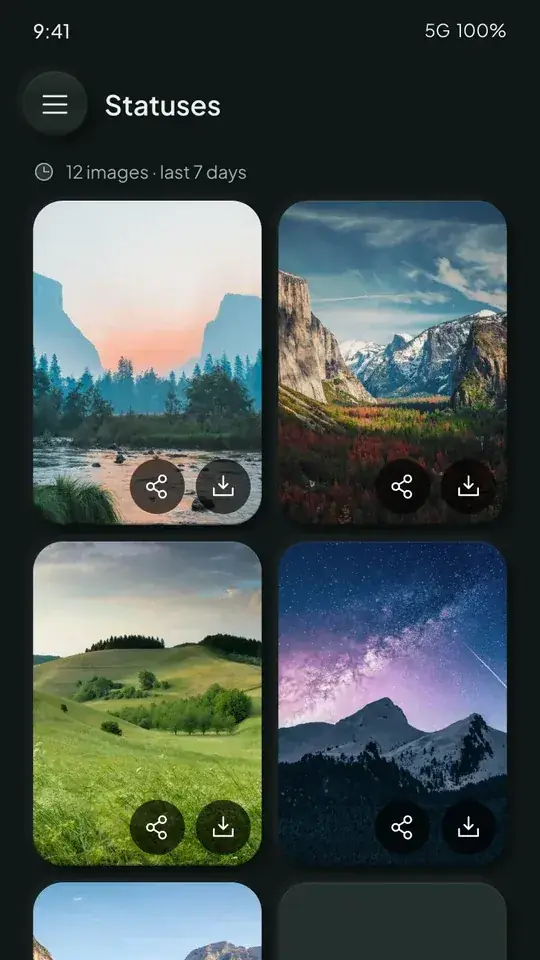
Share a status you saved earlier
Statuses you saved stay in the Saved tab. Open one and tap Share to send it again, days or weeks later. Nearby phones can receive it with Quick Share too (Android Help).
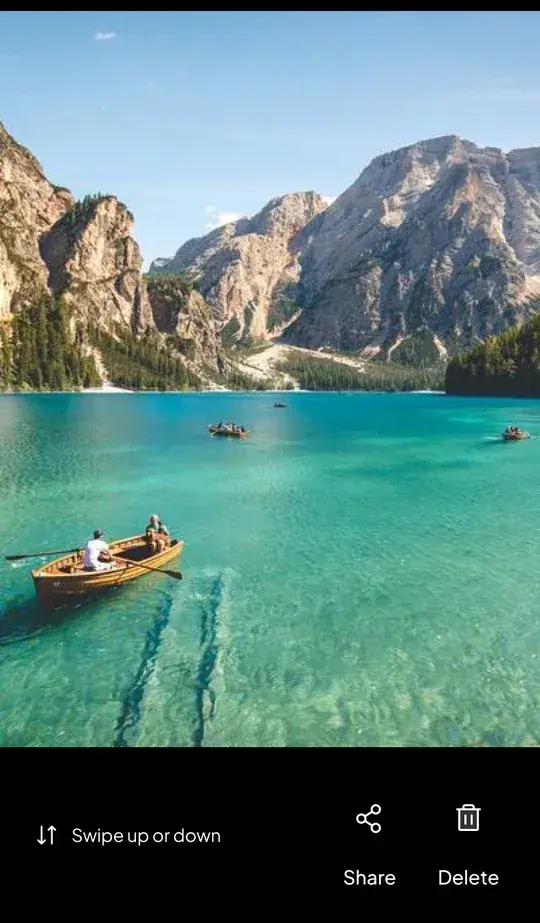
Why people choose Status Saver: Image and Video
We think it is the easiest way to share statuses on Android, and here is why:
- Share in one tap. From the full-screen viewer or straight from the list.
- Original quality. You share the photo or video itself, not a screenshot or screen recording.
- One tap to save. Keep it in your gallery and the Saved tab first, then share it whenever you like.
- Full screen, endless swiping. Swipe through statuses and share the ones you like as you go.
- Regular and Business statuses. Share offers and product photos from business accounts too.
- Up to 7 days of statuses. Share something you saw earlier in the week.
- No ad after every tap. Share status after status without interruptions, or turn every ad off with Ad-free.
Get Status Saver
Status Saver: Image and Video is free on Google Play for Android phones and tablets. Ad-free removes every ad, monthly or yearly, with a 7-day free trial on the yearly plan, and one subscription covers every phone on your Google account. On your phone, vidmira.com/get/status-saver opens it in Google Play.
Want to keep it as well? Read how to save a status video to your gallery or how to save status videos and photos on Android.
Common questions
Can I repost someone's status to my own status?
Yes. Tap Share in Status Saver, choose WhatsApp, then My status. Ask the person first if it is their own photo or video.
Does sharing lower the quality?
No. Status Saver shares the original file, so it looks the same as when it was posted.
Does the person know I shared their status?
Status Saver does not tell them. Anyone you send it to, or who sees it on your status, can see it.
Do I have to save a status before I share it?
No. You can share it straight away, or save it first and share it later from the Saved tab.
Status Saver by VidMira is an independent app. It is not affiliated with, endorsed by or sponsored by WhatsApp or Meta. WhatsApp is a trademark of WhatsApp LLC. Please respect other people's privacy and only save and share content you have permission to use.


Related guides
How to save status videos and photos on Android
How to save status videos and photos on Android before they disappear after a day: the steps, where the files go and how to do it respectfully.
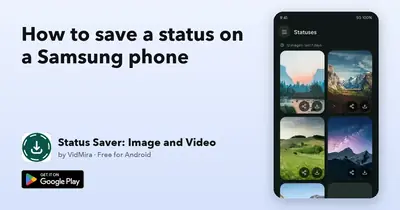
How to save a status on a Samsung phone
Save a status on a Samsung Galaxy phone with Status Saver: one tap to your Gallery, on Galaxy phones, tablets and foldables. Free on Google Play.
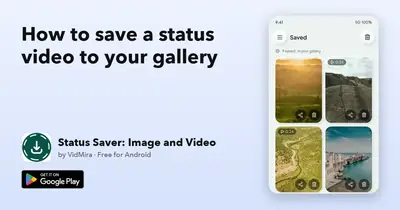
How to save a status video to your gallery
Save a status video to your gallery on Android in one tap with Status Saver: original quality with sound, in your gallery and the app's Saved tab.
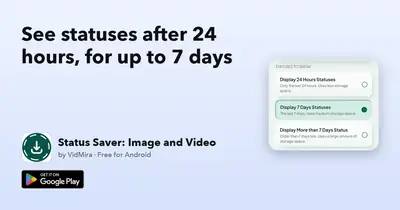
See statuses after 24 hours, for up to 7 days
See statuses after 24 hours with Status Saver: the photo and video statuses you viewed stay for up to 7 days, ready to watch again, save or share.
Latest posts
California road signs test: shapes, colors and a quiz
California road signs test: what sign shapes and colors mean, from the Driver's Handbook, plus a road signs quiz. Practice in CA DMV Permit Test Center.
Canadian citizenship test flashcards on your phone
Canadian citizenship test flashcards: flip, hear the answer, mark "I knew it" or review it again. Free in Canada Citizenship Test Center for iPhone and Android.
NJ e-bike and moped license: the permit test under the 2026 rules
NJ e-bike license under the 2026 rules: age 15, a permit, knowledge and vision tests, a road test. Practice e-bike quizzes in NJ DMV Permit Practice Test.